
Ferry
File transfer for your LAN
A simple way to move files to and from your iPhone or iPad over your own network — SMB or SFTP, no cloud round-trip, no AirDrop juggling. No accounts, no telemetry, no clutter.
See what's on your device, see what's on your network, move files between them. That's it.
What's in the box
- SMB and SFTP, done rightConnect, browse, download, upload, and delete against real SMB2/3 shares and OpenSSH servers — password or SSH-key auth.
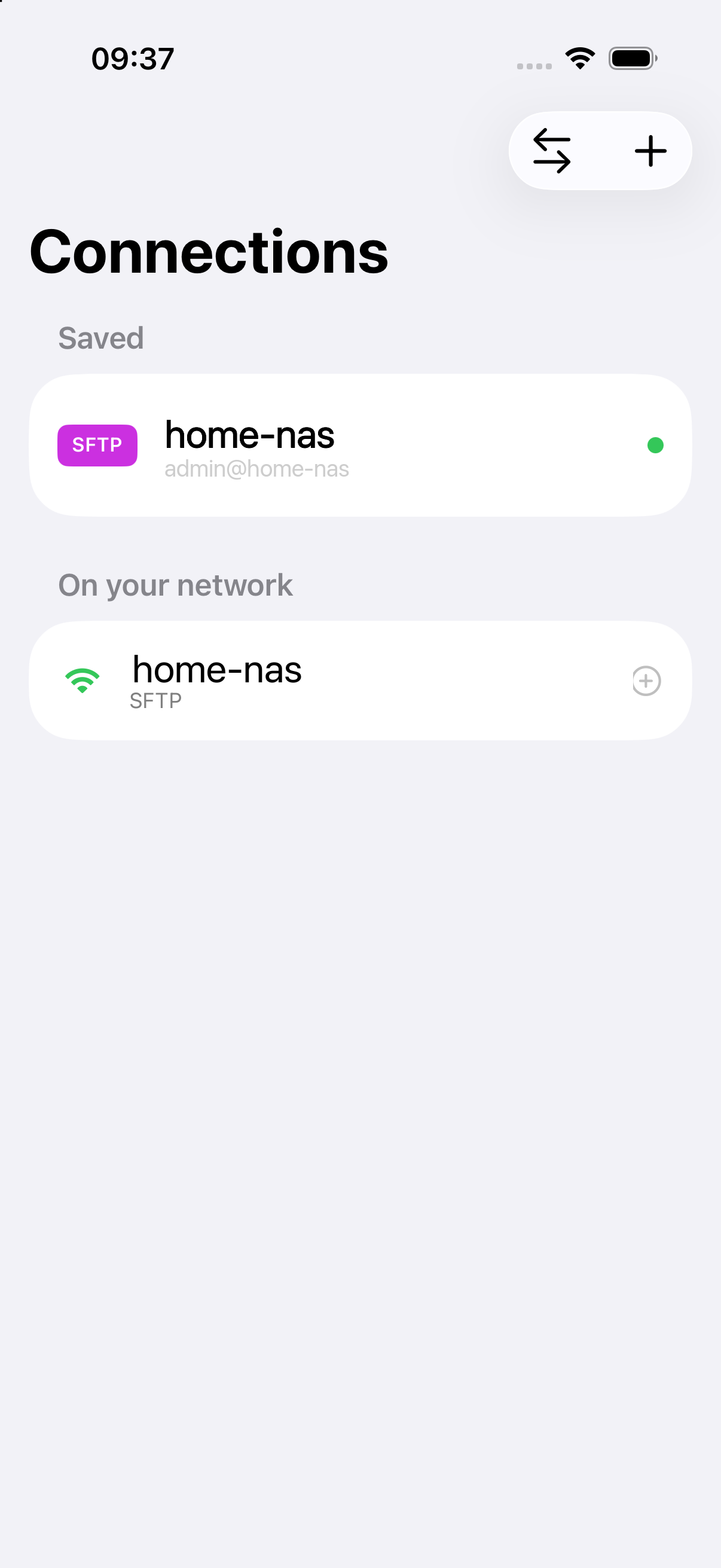
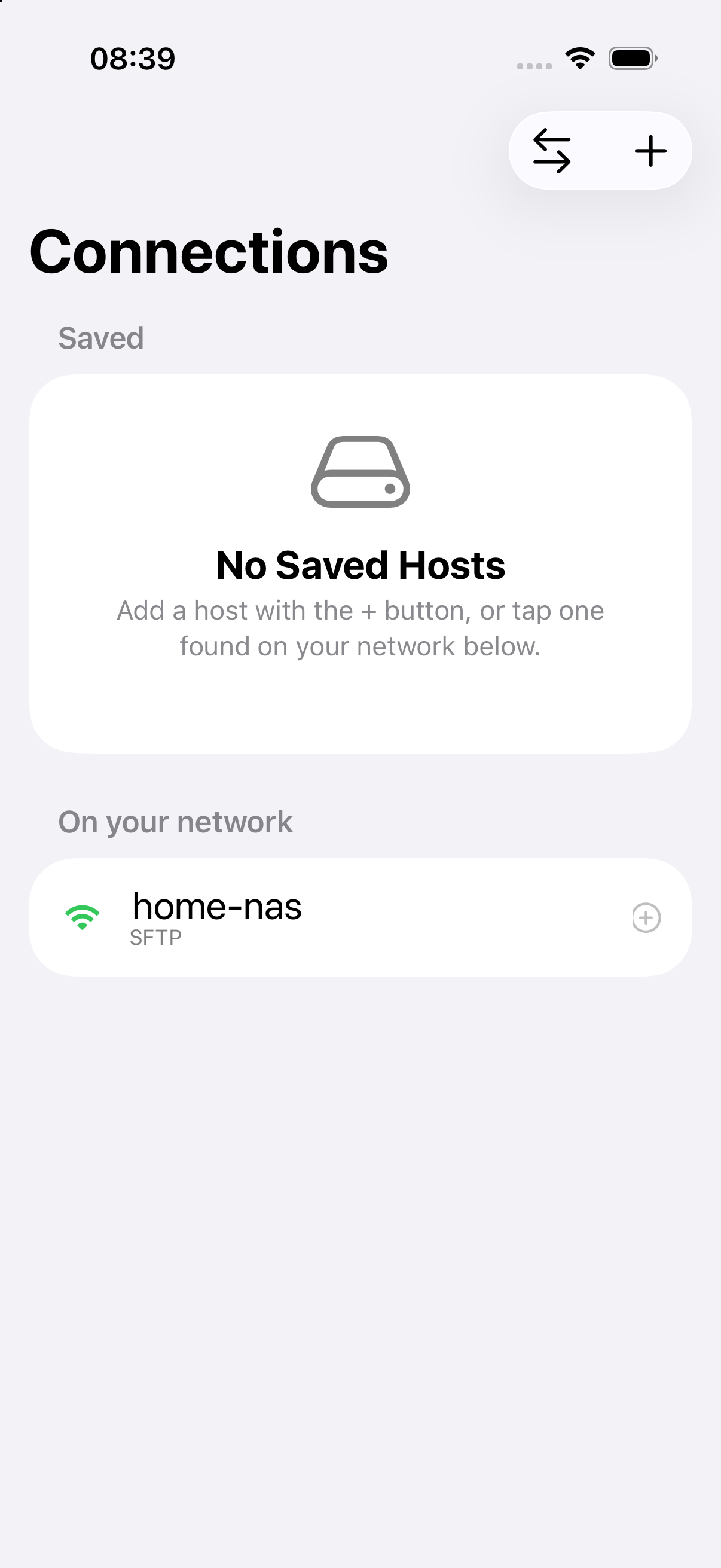
- Finds hosts for youBonjour discovery surfaces NAS boxes and Macs sharing over SMB or SSH under “On your network,” so you're not typing IP addresses.
- Saved connections, credentials in the KeychainSave a host once and tap to reconnect. Passwords and imported SSH keys live in the iOS Keychain — they don't leave your device.
- One pane or two, automaticallyA clean single-pane flow on iPhone and a true dual-pane browser on iPad, so “from where, to where” is always obvious.
- Transfers you can trustA transfers screen with per-job progress, a queue, and retry on failure — plus a prompt before you overwrite a file at the destination.
- Open with QuickLookHand a local file off to the system QuickLook preview — no built-in viewer suite to wade through.
What's not in the box
Not a file manager. Not a cloud client. No ads, no accounts, no tracking, no syncing, no “pro” tier. Nothing leaves your network — there's no Ferry server to leave it for.
Requirements
- iOS 17 or lateriPhone and iPad.
- A server on your networkAn SMB or SFTP share — a NAS, a home server, or file sharing on a Mac — reachable over the same Wi-Fi.